

C2.1M18.4K312K96K
@calm.little.things
I have watched this knife cut this sand 41 times today
#kineticsand #satisfying
Original audio · calm.little.things · Original audio · calm.little.things ·
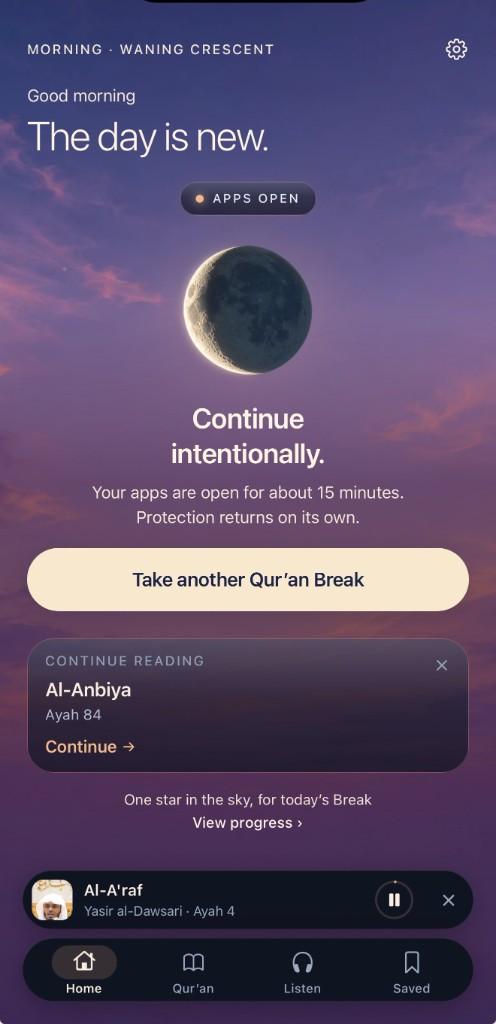
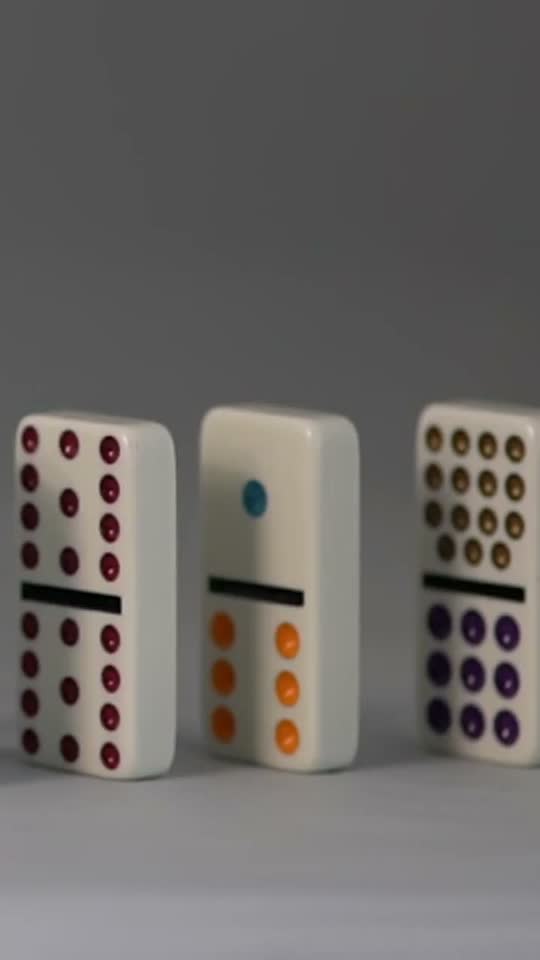
Illustrative demo. A fictional short-form feed scrolls past a knife slicing kinetic sand, a puppy losing a fight with a shoe, someone learning to flip a pancake, and dominoes falling. The feed stops. A protective screen replaces it: Before you scroll. Pause with Qur’an first, with a button labelled Open Qur’an Break. Then quiet midnight blue, and Ash-Sharh 94:5 in Arabic with the Sahih International translation: For indeed, with hardship [will be] ease. A button reads Begin Qur’an Break. Use the step buttons to move through the demo, or pause and replay it.
Available on iPhone. Coming soon to Android. See how it works
Choose the apps that pull you in. When you open one, QuranBreak meets you with a pause, and a short break with the Qur’an comes before the feed.
It isn’t a lack of willpower. Feeds are built to keep you there. A small pause can change where that moment goes.
The Qur’an goes first
Pick the apps that pull you in. QuranBreak locks them away, and the only key is a short break with the Qur’an. No willpower contest, no hiding apps in folders.

QuranBreak
Always opens first
 Instagram
 TikTok
 YouTube
 Snapchat
 X
Try it: the apps stay locked until the Qur’an comes first.
Illustration. App names and icons belong to their owners.
Set it up once. After that, QuranBreak is there whenever you open the apps you chose.
InstagramTikTokSnapchatXYouTubeStep 1
Pick the apps that pull you into scrolling, using Apple’s Screen Time picker. Change them whenever you like.

Before you scroll
Pause with Qur’an first.
Step 2 · When you open a protected app
A pause appears in place of the feed. It asks for one thing: a moment with the Qur’an first.
Step 3
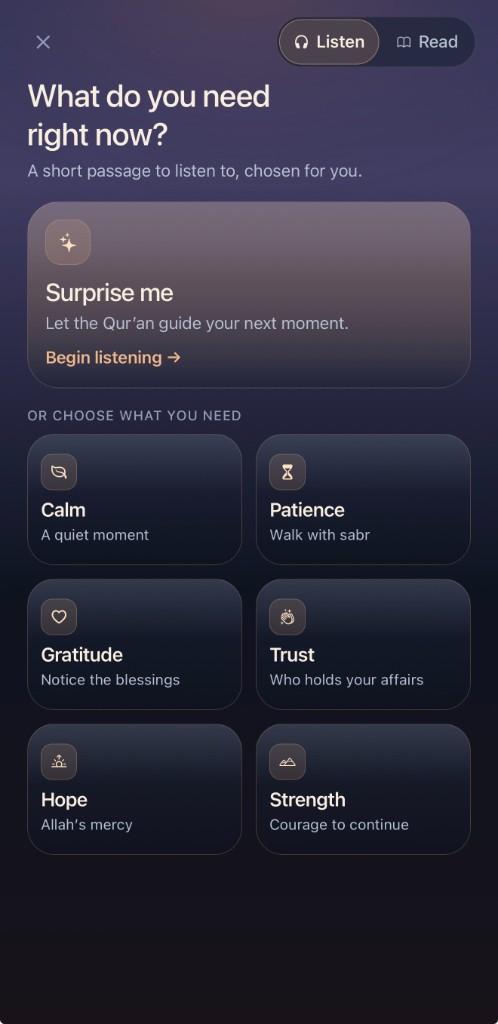
Say what you need right now, then read or listen to a short passage with its translation.
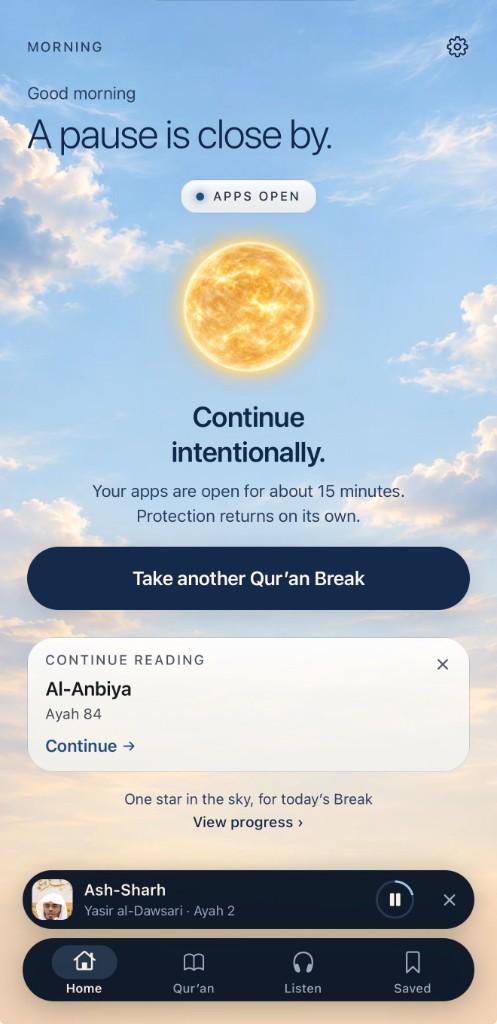
Step 4
When it ends, the choice is yours. Your apps open for the time you’ve set, 10 to 30 minutes of use, then protection returns.
The app picker and the shield are illustrations; the shield uses the app’s wording. Other screens are from the iPhone app in development.
Every break begins with one question: what do you need right now? Choose an answer to meet a passage from the app.
When everything feels like too much. Hearts that find rest.
الَّذِينَ آمَنُوا وَتَطْمَئِنُّ قُلُوبُهُمْ بِذِكْرِ اللَّهِ ۗ أَلَا بِذِكْرِ اللَّهِ تَطْمَئِنُّ الْقُلُوبُ
Those who have believed and whose hearts are assured by the remembrance of Allah. Unquestionably, by the remembrance of Allah hearts are assured.
Recited by Yasir al-Dawsari
When a break ends, the Qur’an is still there to listen to, to read, to understand, and to come back to.
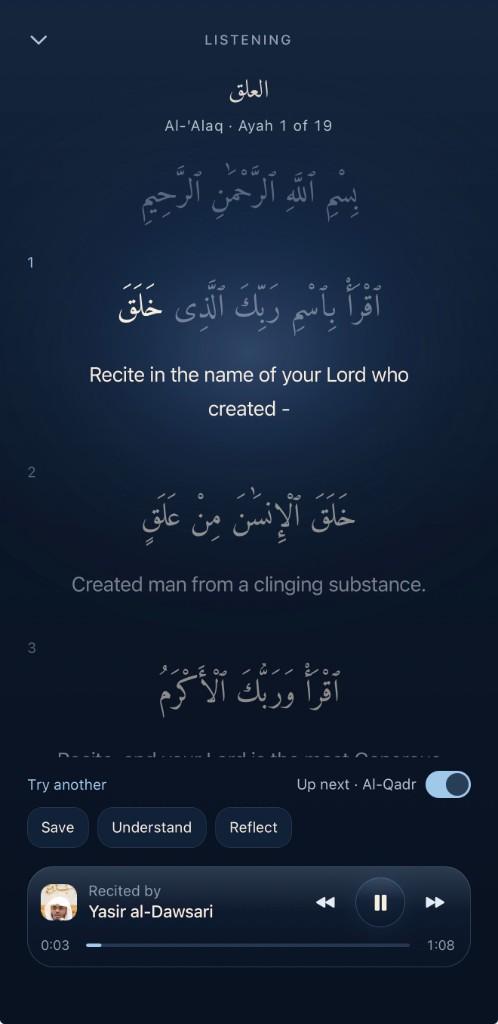
Choose a reciter and follow along. The Arabic is highlighted as it’s recited, with the translation just below. Pick up where you left off, or let the app choose a surah for you.
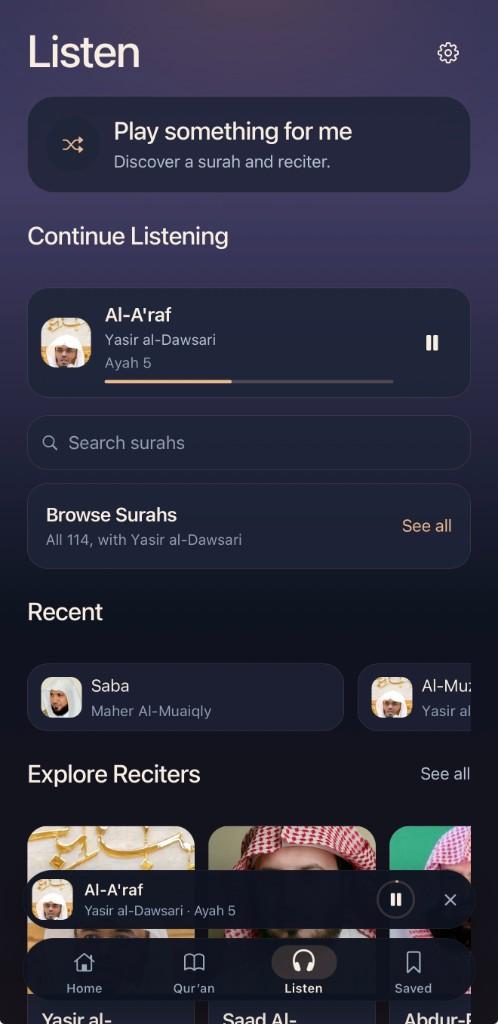
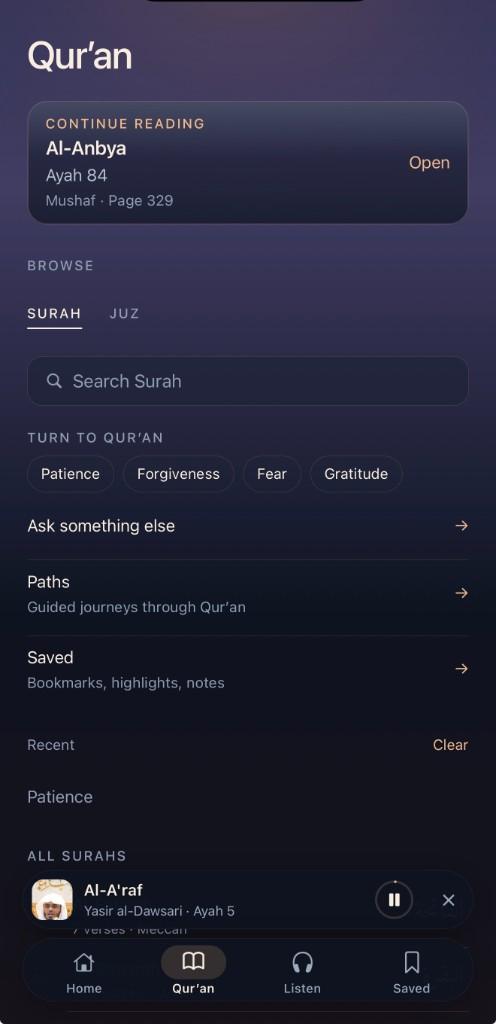
Continue where you left off, browse by surah or juz, or turn to the Qur’an by what you’re carrying: patience, forgiveness, fear, gratitude.
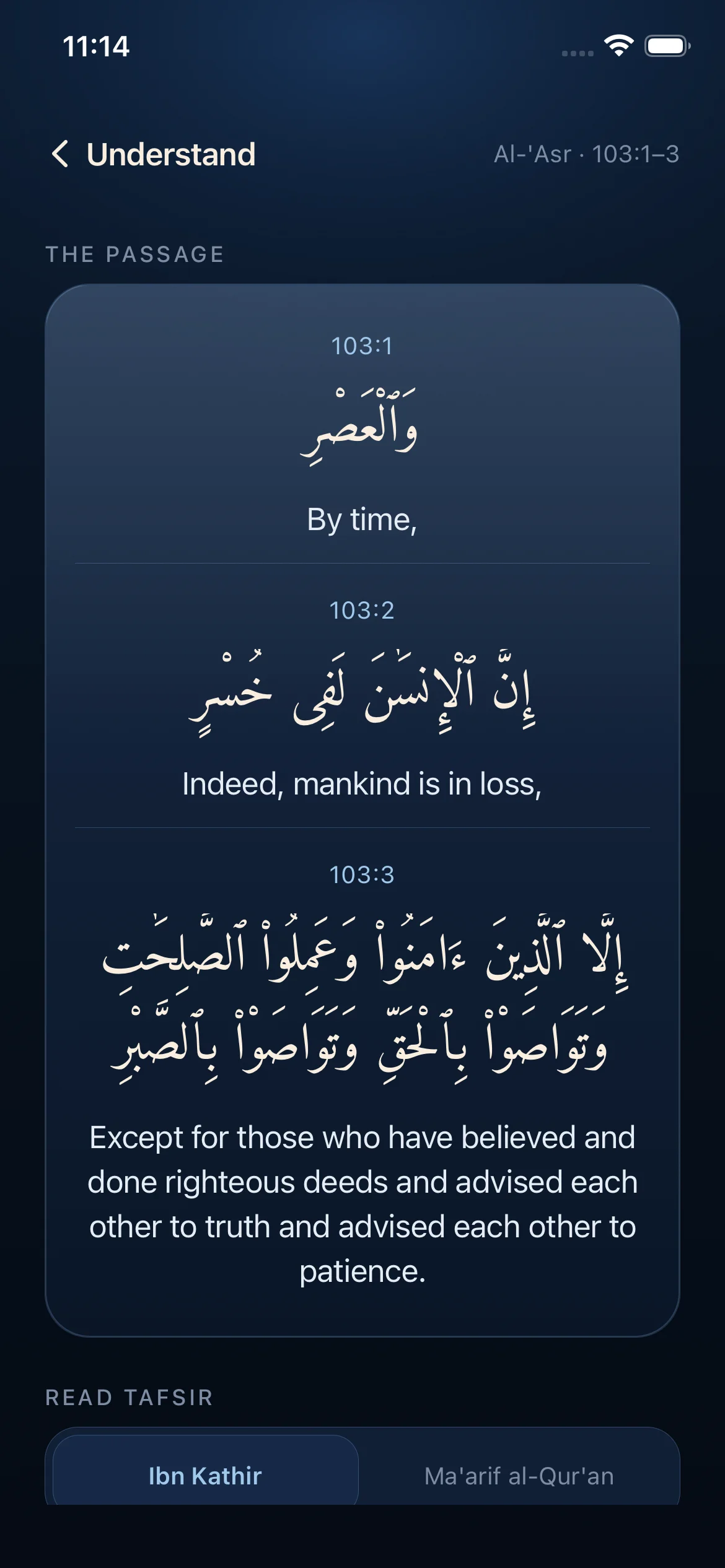
Open sourced commentary on the passage you just met: Tafsir Ibn Kathir (abridged) or Ma‘arif al-Qur’an.
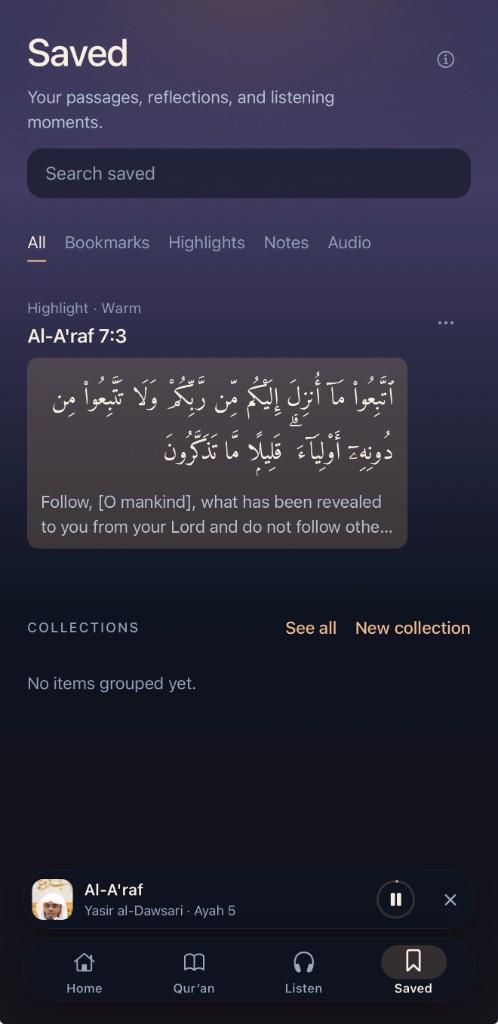
Bookmark, highlight and write private notes, keep the recitations you return to, and gather them into collections, saved on your device.
Your phone will always be close. We’re building QuranBreak so that, more often, it leads you back to the Qur’an, gently and without guilt. Give it a moment of your day, and let that moment be unhurried.
Available on iPhone. Coming soon to Android.